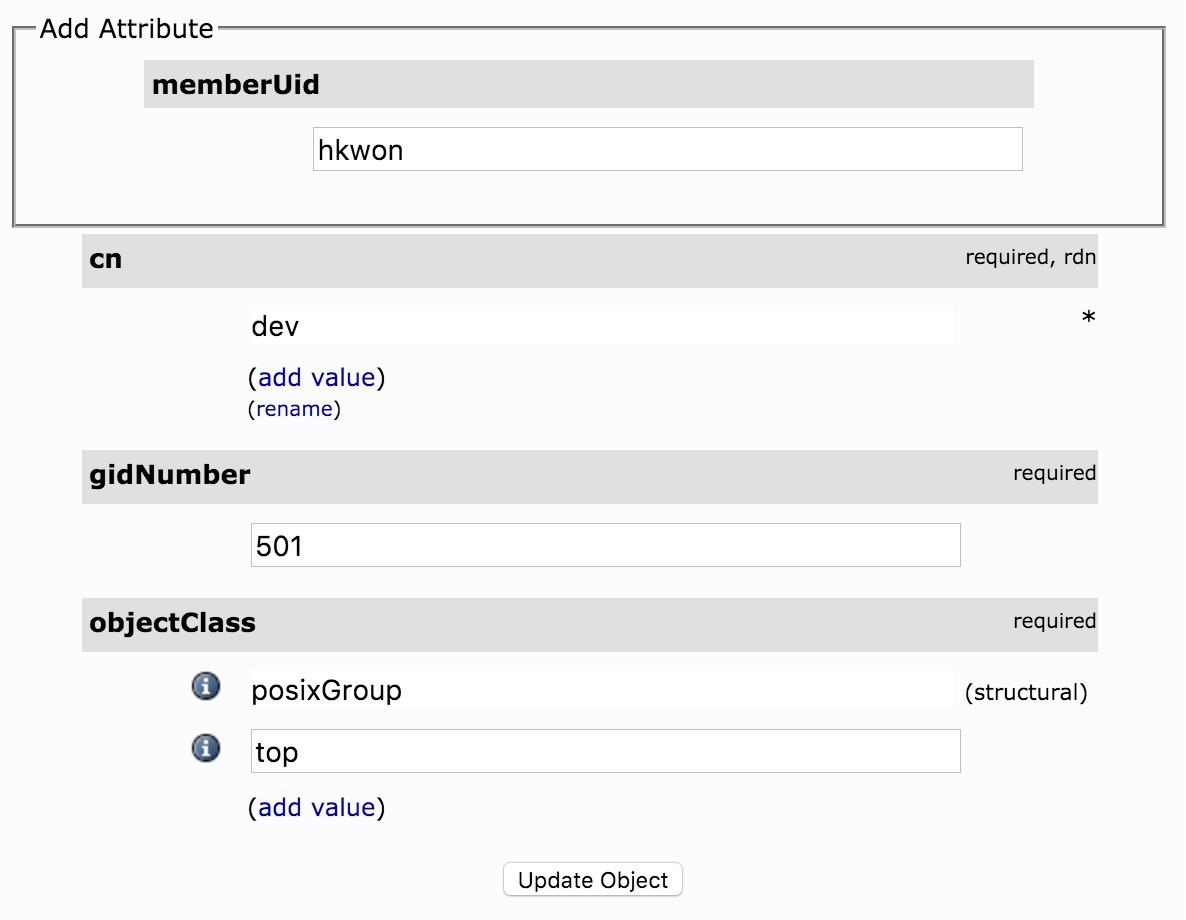
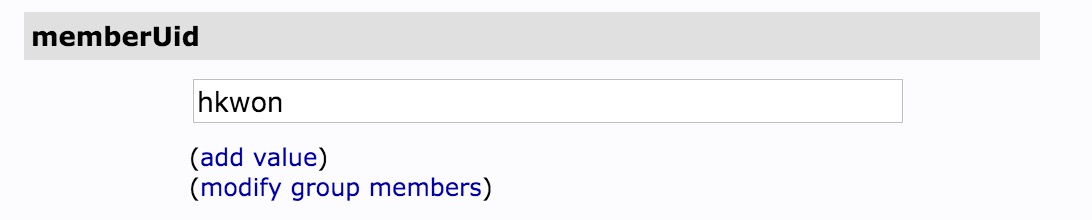
이제 유저를 생성할 차례이다. users 그룹에 추가되는 유저 정보 엔트리의 경우에는 보통 posixAccount와 inetOrgPerson object class를 사용한다. 물론 신규로 object class schema를 작성해서 원하는 속성값만 가져다가 넣어도 되긴 하지만 다른 시스템이나 서비스(혹은 기반시스템의 플러그인들)와 연동은 표준으로 작성되어 있으므로 표준(RFC4519, RFC2307, RFC2798)으로 만들어 놓은 스키마를 사용하기로 한다.
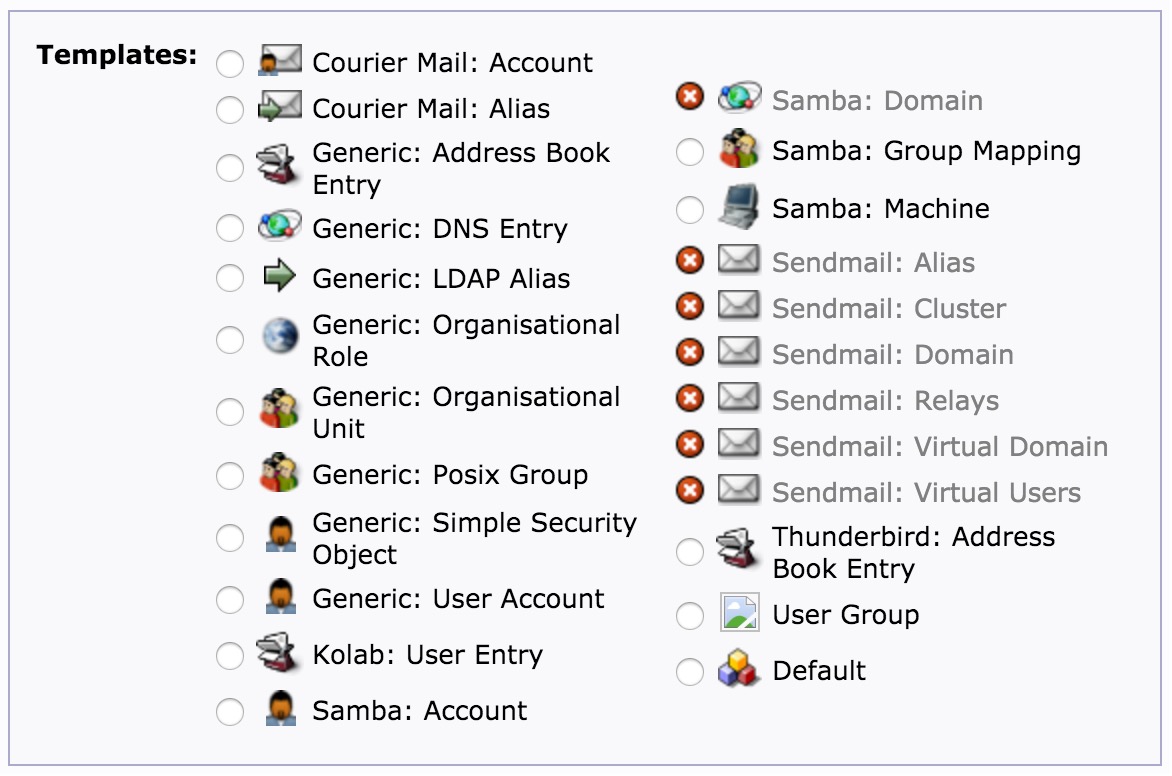
여기서 좀 애를 먹었던게 phpLDAPadmin에서 제공하는 유저 정보 template은 Generic: User Account(posixAccount.xml) Generic: Address Book Entry(inetOrgPerson.xml) 로 제공되고 있는데 Generic: Address Book Entry는 uid정보가 없어서 redmine, jenkins, sonare등의 계정과 연결이 힘드므로 Generic: User Account를 사용하려고 했으나 기본 템플릿에는 email 속성이 없어서 별 수 없이 posixAccout.xml을 기반으로 별도의 템플릿 파일을 아래와 같이 작성했다.
기존 파일을 그대로 수정해도 되지만 업그레이드 되면 템플릿 파일은 덮어씌워진다고 나와 있어 먼저 기존의 posixAccountxml파일을 custom_posixAccount.xml으로 복사하고 편집을 시작한다.
$ sudo cp /etc/phpldapadmin/templates/creation/posixAccount.xml /etc/phpldapadmin/templates/creation/custom_posixAccount.xml
$ sudo vi /etc/phpldapadmin/templates/creation/custom_posixAccount.xml
기존의 파일에서 변경되는 부분은 아래 주석을 참조하고 변경되지 않는 부분은 그대로 두면 된다. 변경 시 objectClass에 선언된 속성만 사용 가능하므로 다른 속성을 사용하려면 별도의 objectClass 추가하거나 신규 스키마를 생성하면 된다.
템플릿 작성 시 사용할 수 있는 autofil 같은 기능은 phpLDAPadmin Templates WIKI를 참조하면 된다.
<?xml version="1.0" encoding="UTF-8" standalone="no"?>
<!DOCTYPE template SYSTEM "template.dtd">
<template>
<askcontainer>1</askcontainer>
<description>Example.com New User Account</description>
<icon>ldap-user.png</icon>
<invalid>0</invalid>
<rdn>cn</rdn>
<title>example.com: User Account</title>
<visible>1</visible>
<objectClasses>
<objectClass id="inetOrgPerson"></objectClass>
<objectClass id="posixAccount"></objectClass>
</objectClasses>
<attributes>
...
생략
...
<attribute id="loginShell">
<display>Login shell</display>
<order>9</order>
<page>1</page>
<type>select</type>
<value id="/bin/sh">/bin/sh</value>
<value id="/bin/csh">/bin/csh</value>
<value id="/bin/tsh">/bin/tsh</value>
<value id="/bin/bash">/bin/bash</value>
</attribute>
...
생략
...
<attribute id="mobile">
<display>Mobile</display>
<order>10</order>
<page>1</page>
</attribute>
<attribute id="mail">
<display>Email</display>
<order>11</order>
<page>1</page>
</attribute>
<attribute id="jpegPhoto">
<display>Photo</display>
<order>12</order>
<spacer>1</spacer>
</attribute>
<attribute id="displayName">
<display>displayName</display>
<order>13</order>
<spacer>1</spacer>
</attribute>
</attributes>
</template>
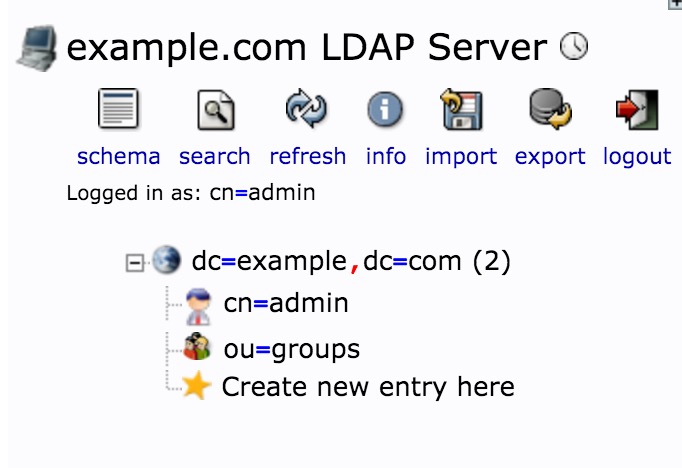
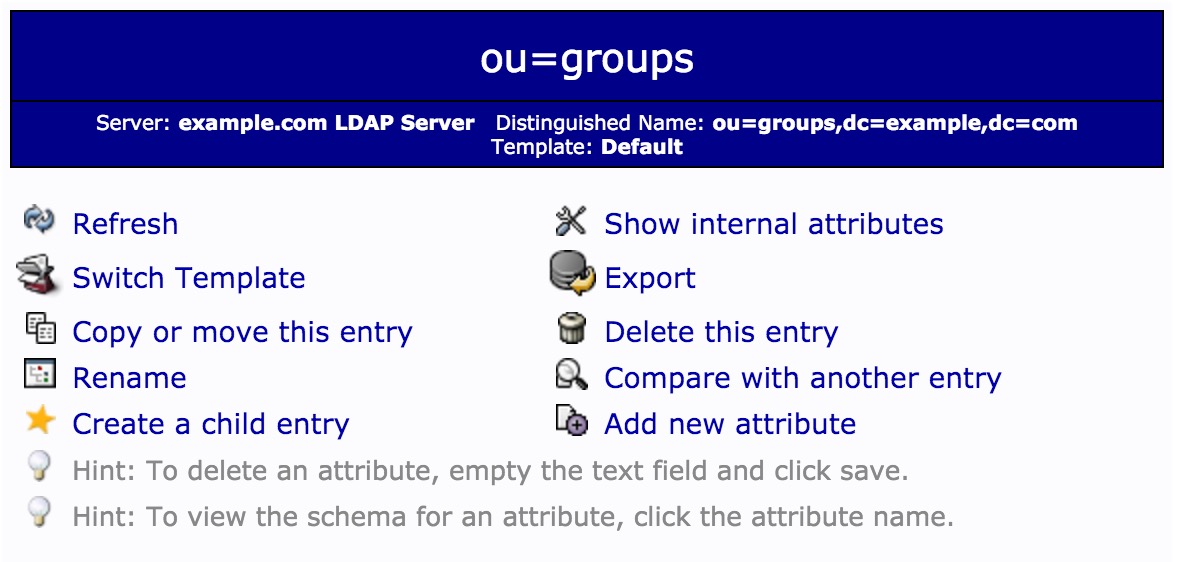
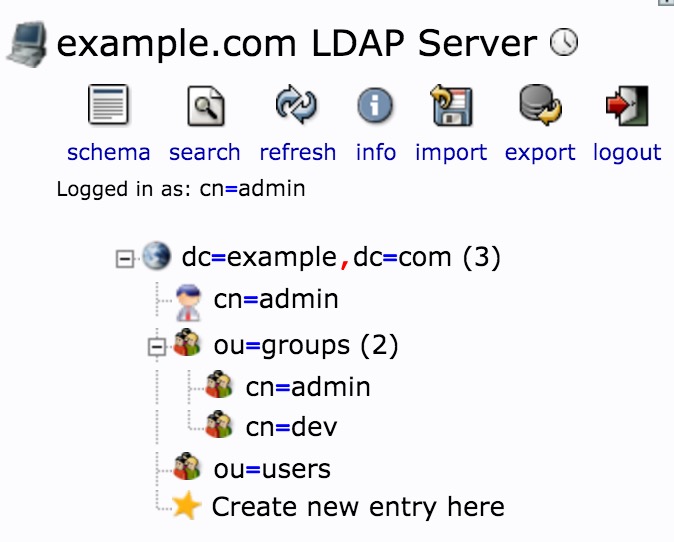
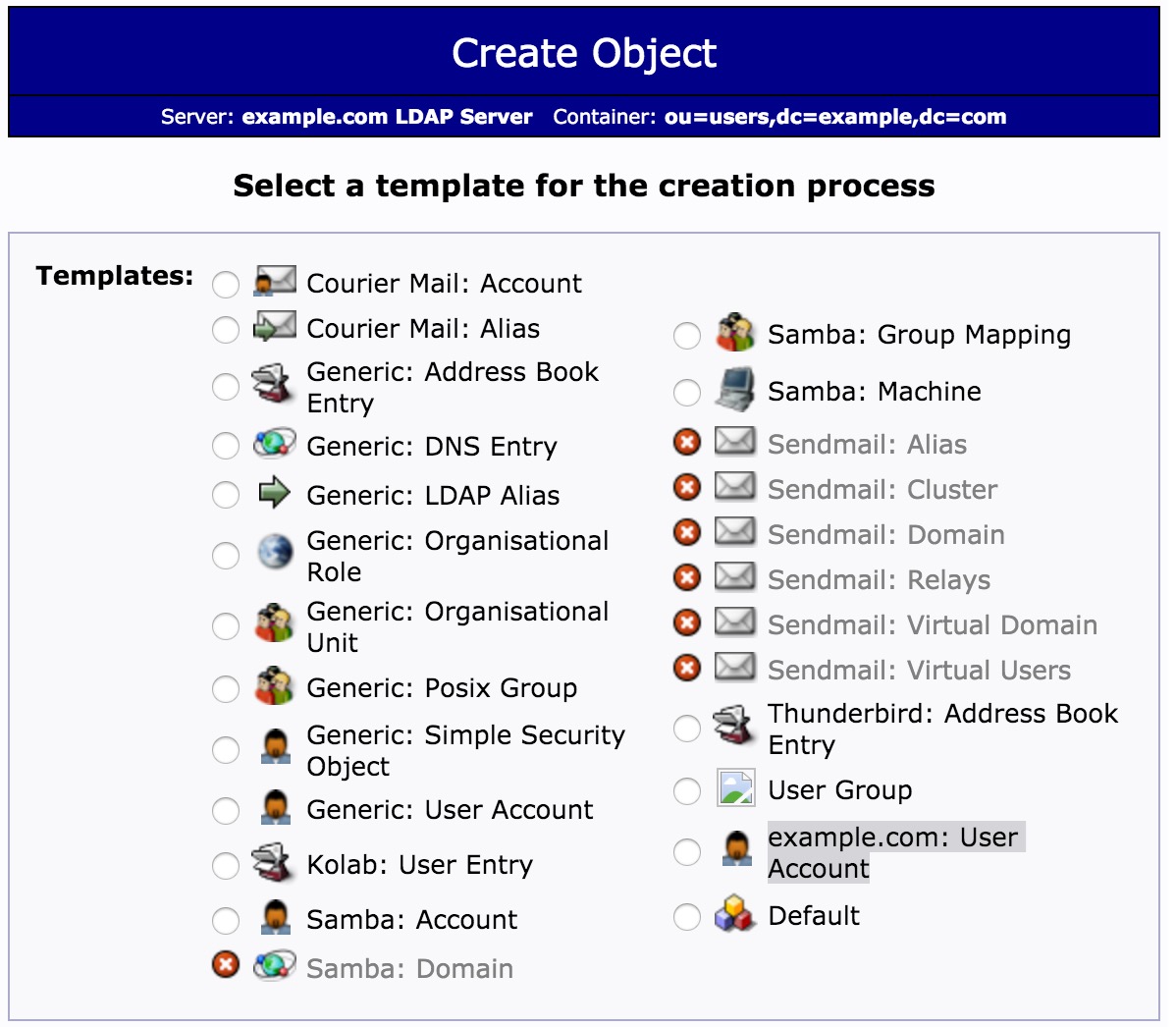
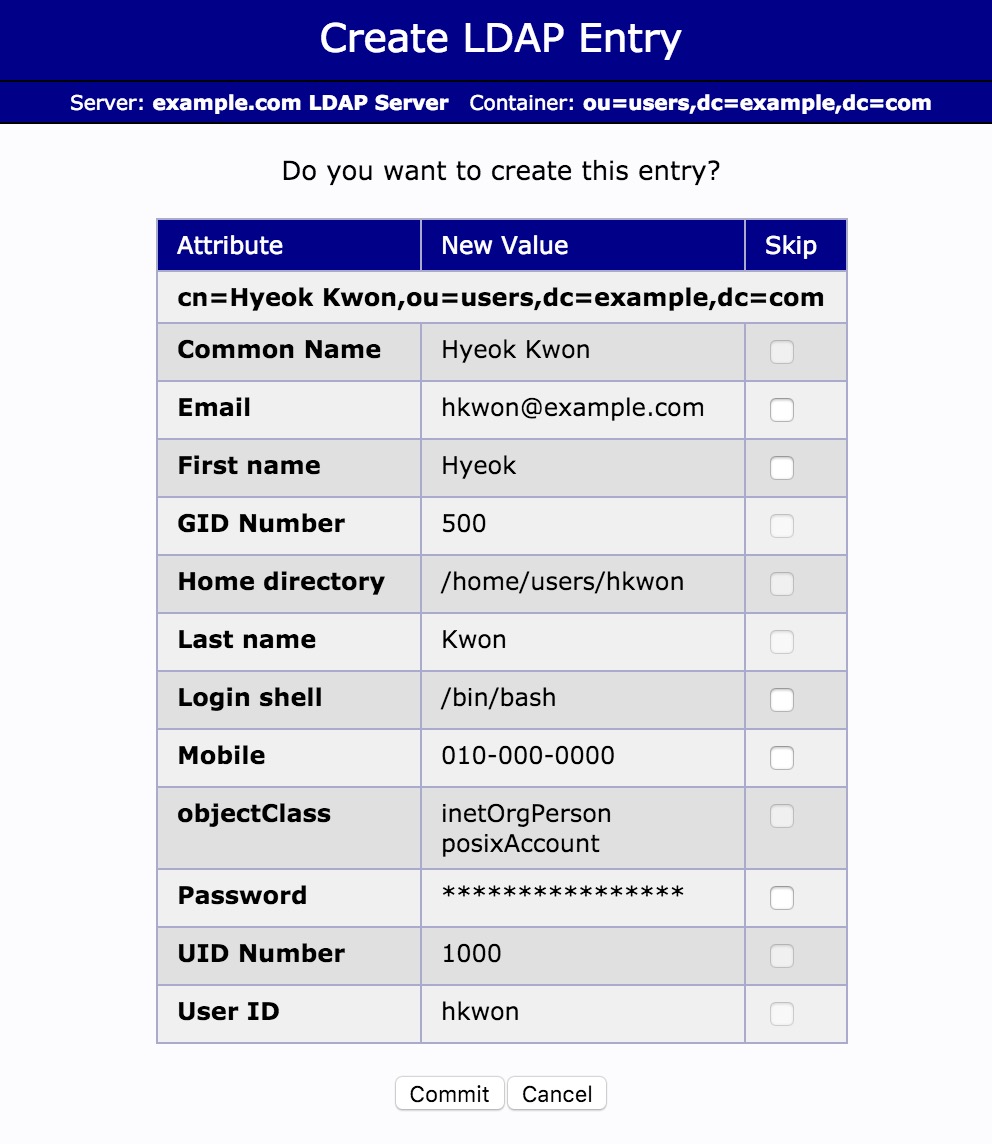
수정된 파일을 저장하고 왼쪽 트리메뉴에서 ou=users 엔트리를 클릭하고 Create a child entry를 클릭하면 방금 전에 생성한 example.com: User Account 템플릿을 클릭한다.
이제 사용자 정보를 입력한다.
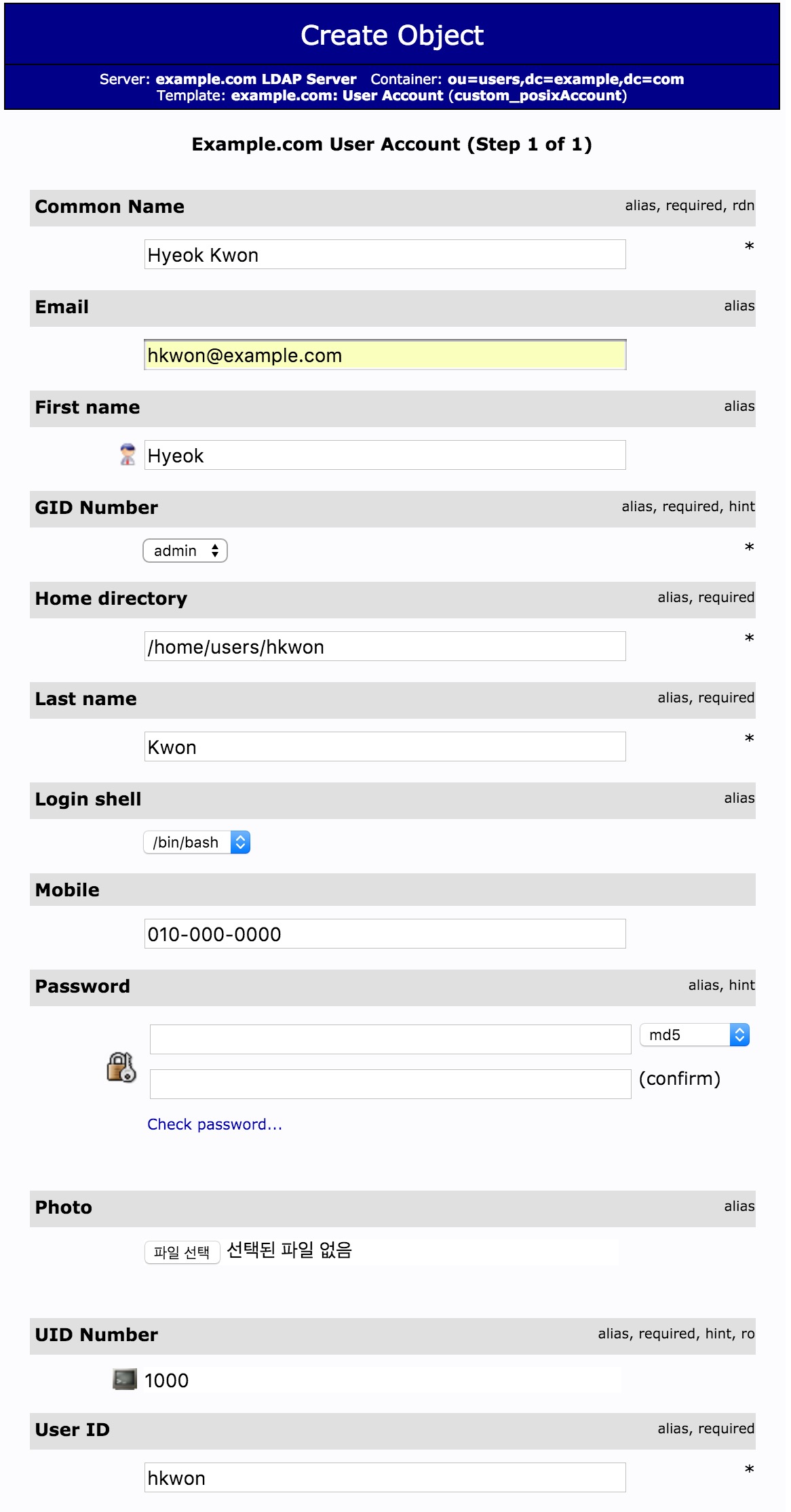
commit 버튼을 클릭하고 확인 작업을 거친 후 최종 저장한다.
만약 password필드 렌더링 시 phpLDAPadmin Error trying to get a non-existant value (appearance,password_hash) 오류가 난다면 Getting error for setting password field when creating generic user account phpldapadmin의 답변을 참고바란다. PHP5.5 이상 패치되면서 수정이 안된 모양이다.
/usr/share/phpldapadmin/lib/TemplateRender.php 2469라인의 password_hash를 password_hash_custom으로 변경하면 된다 .
2463     protected function drawDefaultHelperPasswordAttribute($attribute,$i) {
2464         $id = 'enc';
2465
2466         if ($val = $attribute->getValue($i))
2467             $default = get_enc_type($val);
2468         else
2469             $default = $this->getServer()-getValue('appearance','password_hash_custom');
이제 다른 유저들도 기존 유저 엔트리를 복사해서 수정하거나 신규로 추가하면 된다.